General Information
GovCIO COMMANDLINK brings location awareness, operational communication, and alert coordination together in a browser-based workspace. Teams can maintain a shared view of mobile units, focus attention on developing activity, and communicate from the same operational picture.
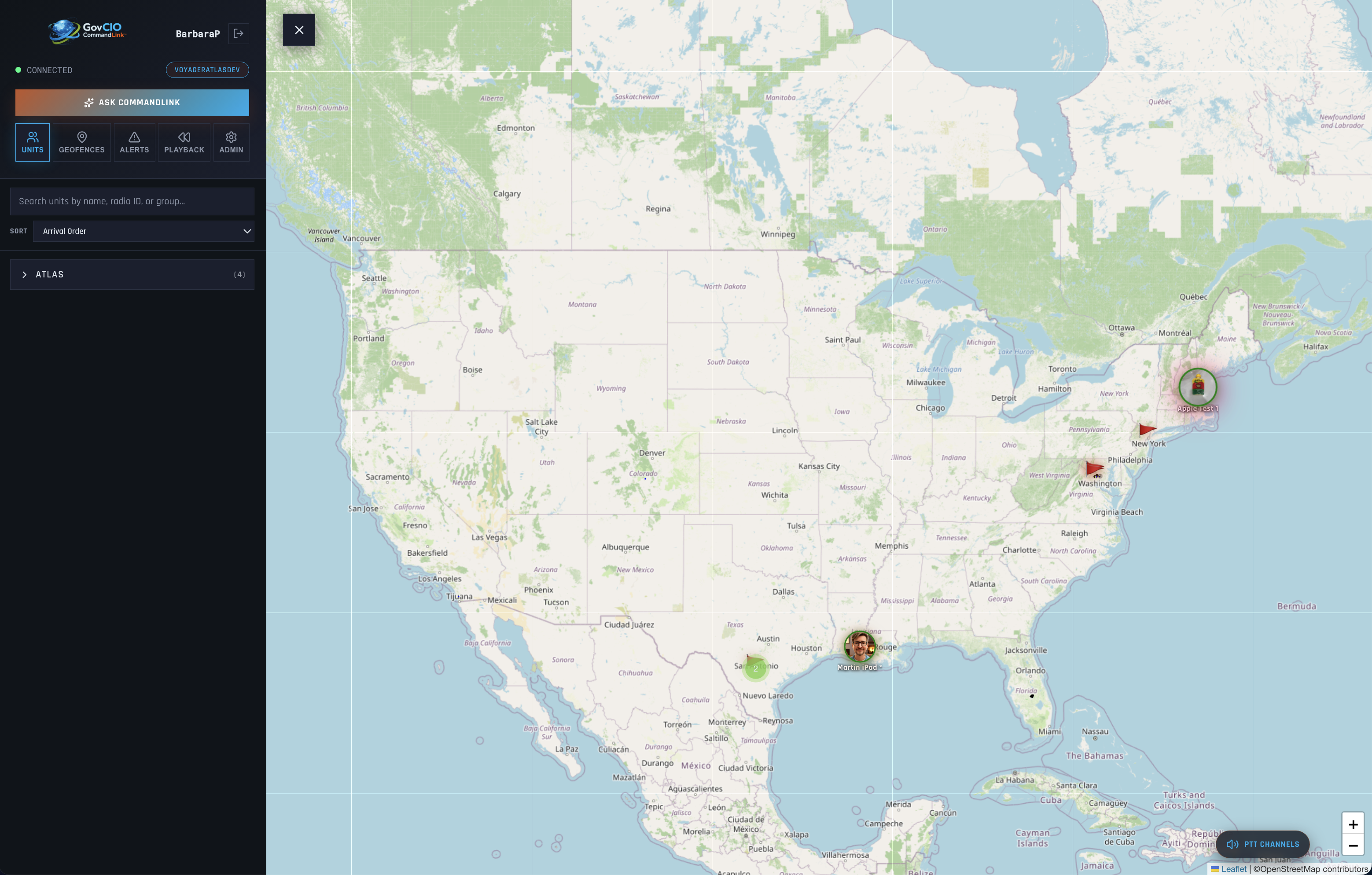
GovCIO COMMANDLINK map and unit-monitoring workspace
What You Can Do
Monitor mobile units and review location, status, movement, and recent activity on an interactive map.
Create geofences to support location-based awareness and operational workflows.
Use push-to-talk channels for direct communication with mobile teams.
Review active alerts and use OMNIALERTS to reach the right people through supported communication channels.
Manage groups, users, units, templates, recipient lists, and reporting when permitted by your role.
OMNIALERTS
OMNIALERTS helps authorized users coordinate time-sensitive communication from GovCIO COMMANDLINK. Compose an alert for selected users, groups, units, or reusable OMNI Lists; tailor content for supported delivery channels; review the message before sending; and monitor delivery and acknowledgment results from the OMNI Alert Dashboard.
See Alerts and Notifications to learn how to compose, review, send, and track an OMNIALERTS message.
Explore GovCIO COMMANDLINK
Map and Unit Tracking - Monitor units, inspect current status and movement, and start breadcrumb tracking.
Alerts and Notifications - Review alerts and coordinate broader communication with OMNIALERTS.
Geofences - Define geographic areas that support location-based awareness.
Push-to-Talk - Communicate with mobile teams through available channels.
Administration - Manage operational configuration, users, groups, units, and activity logs.
OMNI Administration - Manage OMNIALERTS templates, delivery reports, and reusable recipient lists.
Sign In - Open GovCIO COMMANDLINK and begin a browser session.
Account Access
Contact COMMANDLINK Support or your program administrator to request access to GovCIO COMMANDLINK.
Telephone: 1-877-857-1100
The COMMANDLINK Support Team might ask for the following information:
Name
Email address or username
Customer affiliation
Role or permissions needed
Browser and workstation details
COMMANDLINK Support or your program administrator will respond with the information needed to access GovCIO COMMANDLINK.
Confirm that you received:
The GovCIO COMMANDLINK URL
Your username
A temporary or permanent password
Application Details
GovCIO COMMANDLINK is the browser-based companion to GovCIO COMMANDLINK mobile products. It uses consistent operational terminology across the web and mobile experiences so users can move between field activity and browser-based monitoring, communication, and administration.
Administrative capabilities are role-based and may vary by global permissions and assigned group scope.
Authorized users may sign in through a browser to review units on the map, monitor alert activity, manage geofences, and perform administrative tasks when permitted by role.
Account and Role Information
After you sign in, GovCIO COMMANDLINK displays your username and the group you are assigned to.
Your assigned group controls the units, alerts, and administrative content you can access in the application.
Some account details can be managed directly in GovCIO COMMANDLINK, depending on your permissions. Administrators with the required access can update user profile details, unlock locked accounts, and manage group assignments.
If your username, group assignment, role, or other account information needs to be changed and you do not have access to make that change, contact COMMANDLINK Support or your program administrator.
Release Notes
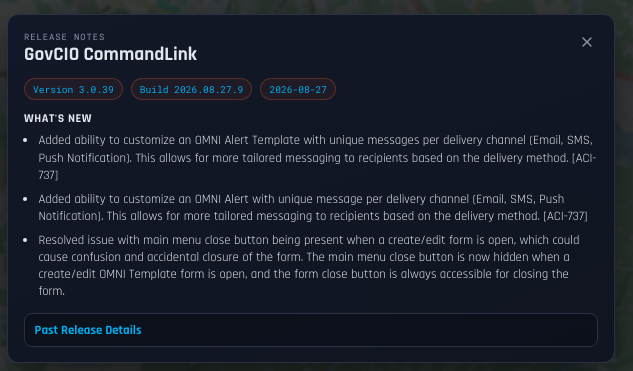
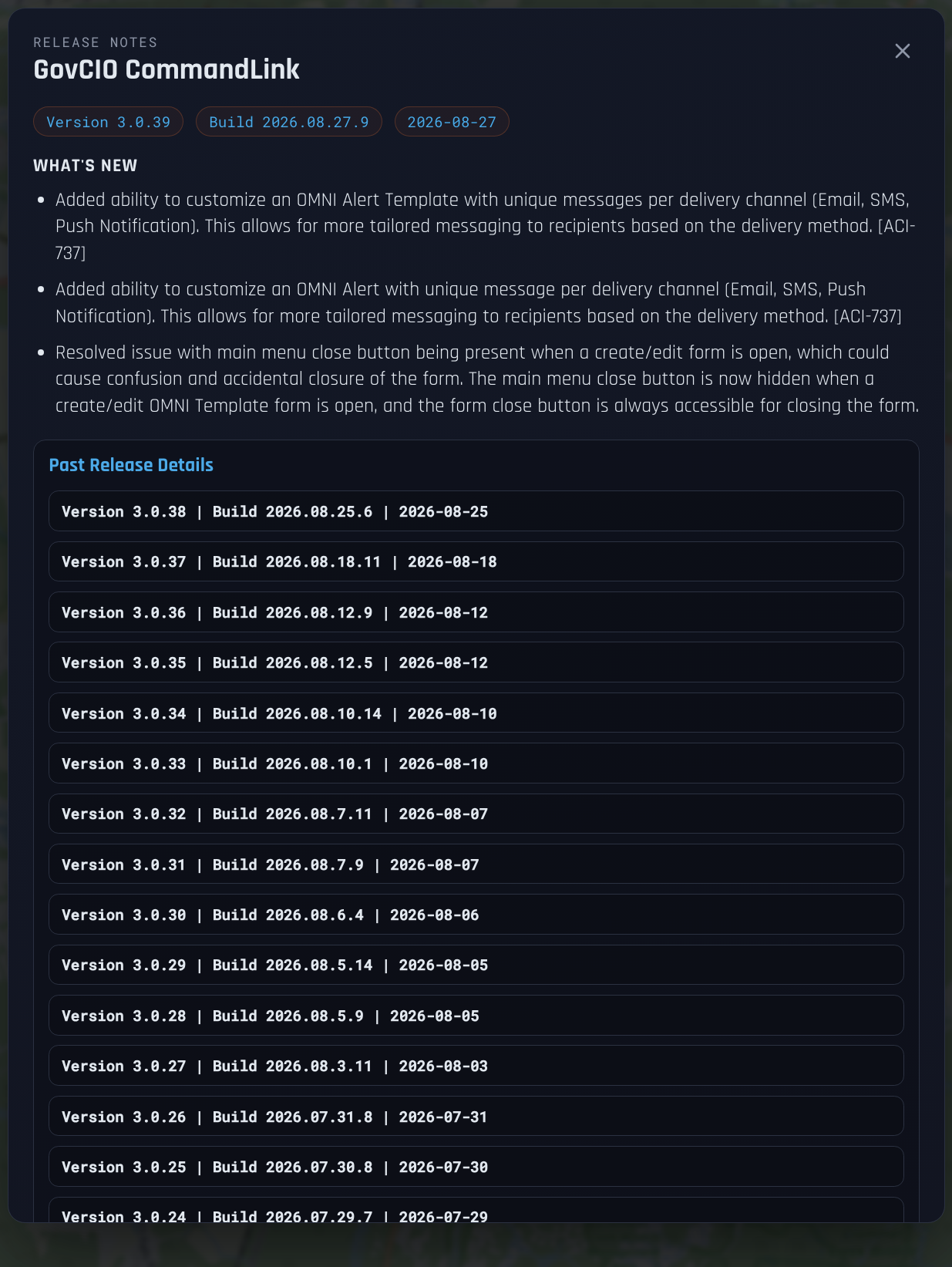
After you log in, GovCIO COMMANDLINK release notes are available from the GovCIO COMMANDLINK name in the upper-left corner of the webpage.