Signing In
Open an approved browser and navigate to your GovCIO COMMANDLINK web address.
Enter your assigned username.
Enter your password.
Select Sign In.
If the sign-in is successful, verify that the main application loads with the map and navigation panels visible.
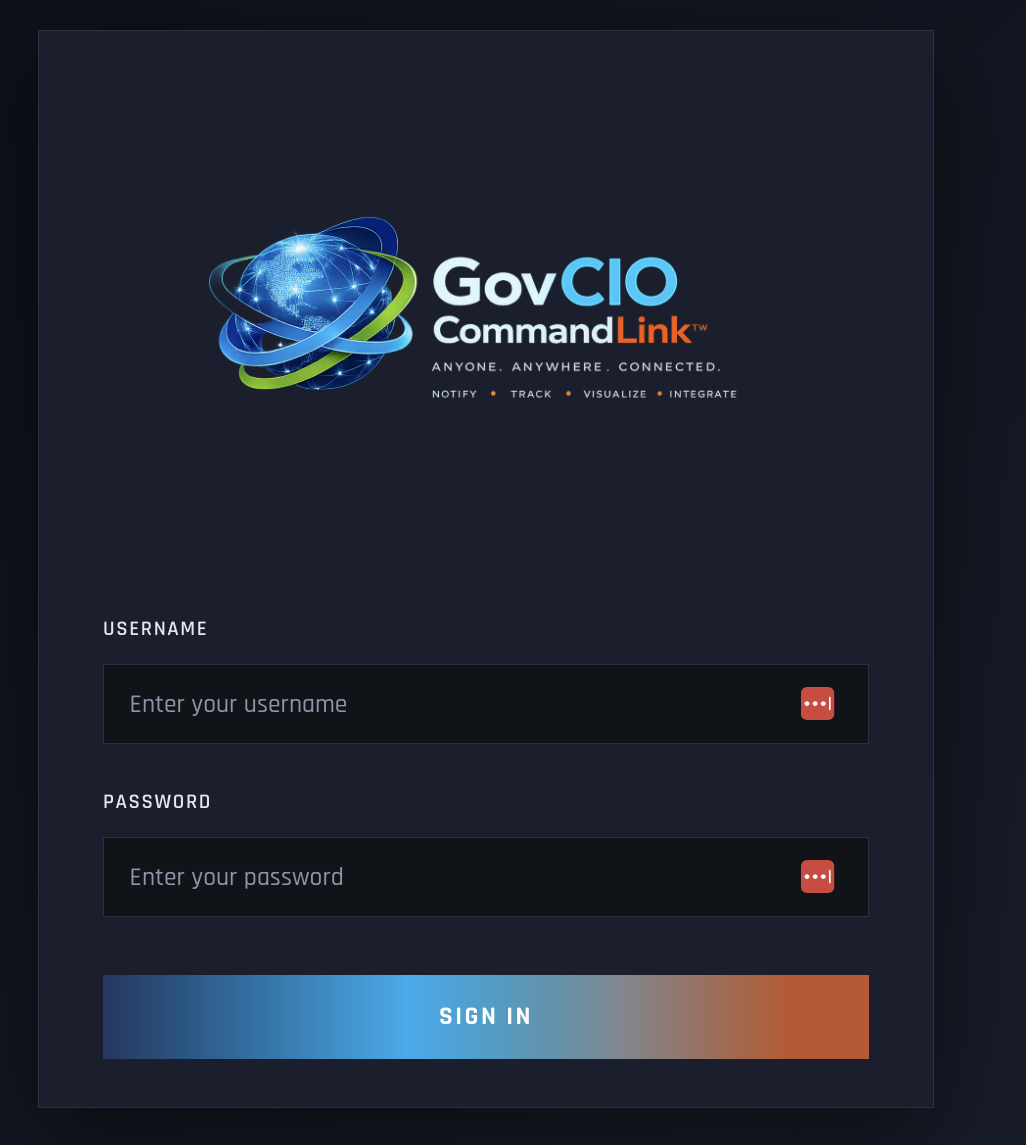
GovCIO COMMANDLINK login screen
First Login Checklist
After signing in for the first time, confirm the following:
Your display name or account details are correct.
Your expected groups or units are visible.
The map loads successfully.
Alerts and administrative features appear only if your role should have them.
If the sign-in fails, confirm that the username and password were entered correctly and that any required organizational access steps were completed before retrying.
Note
Repeated failed sign-in attempts may lock the account. If your account is locked, contact your program administrator or COMMANDLINK Support to unlock it.