Run iOS Application
Launch the GovCIO COMMANDLINK app. Listed below is the icon that should be in your installed apps.
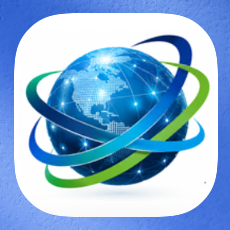
GovCIO COMMANDLINK Icon
On the first launch, you will need to enter a unique Device ID. The Device ID should be your mobile telephone number.
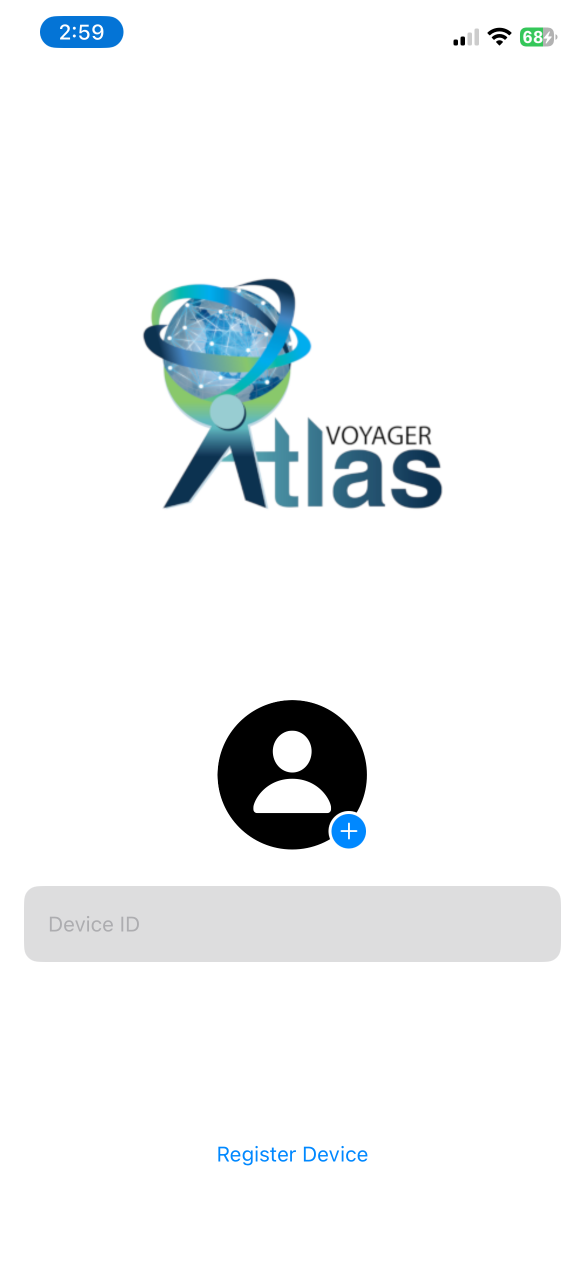
GovCIO COMMANDLINK Device ID Entry
Note
If an incorrect ID is entered, a notification message will be displayed to the user.
Contact COMMANDLINK Support at 1-877-857-1100 or CommandLinkSupport@GovCIO.com if you need assistance with this configuration.
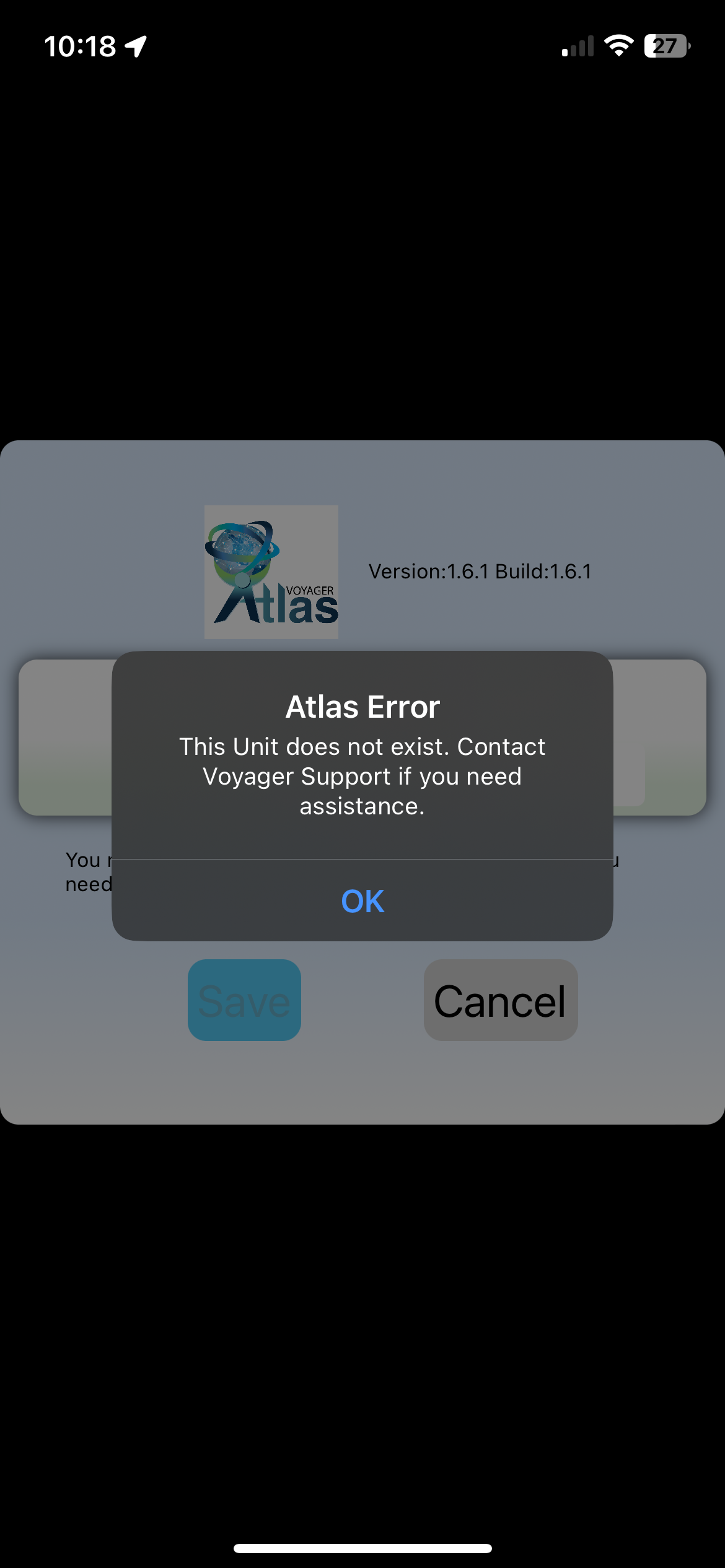
GovCIO COMMANDLINK Device ID Error
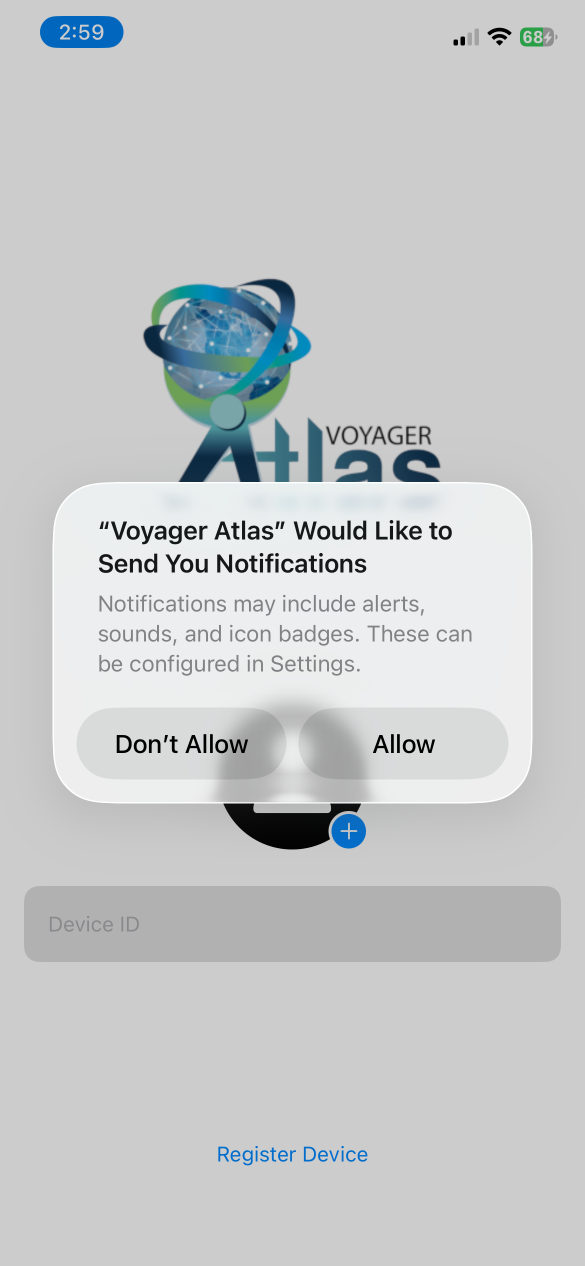
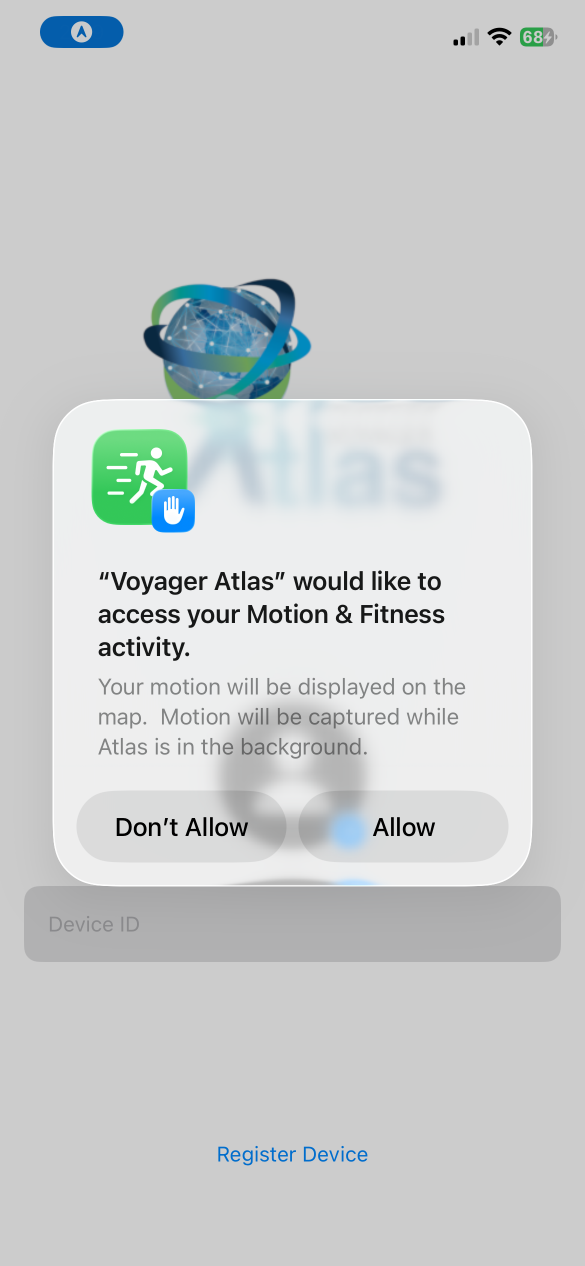
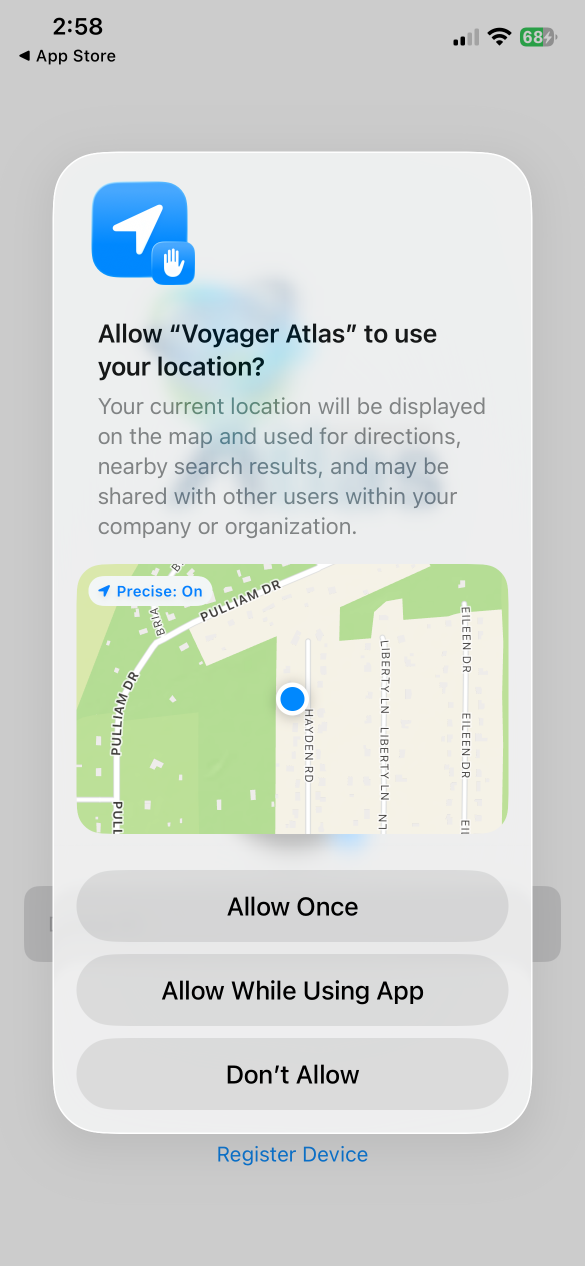
On the first launch, the app will ask for permission for several items. The app relies on each of these permissions being granted. If they are not granted, various features will not function and the user may not be fully connected to the organization.
View Map
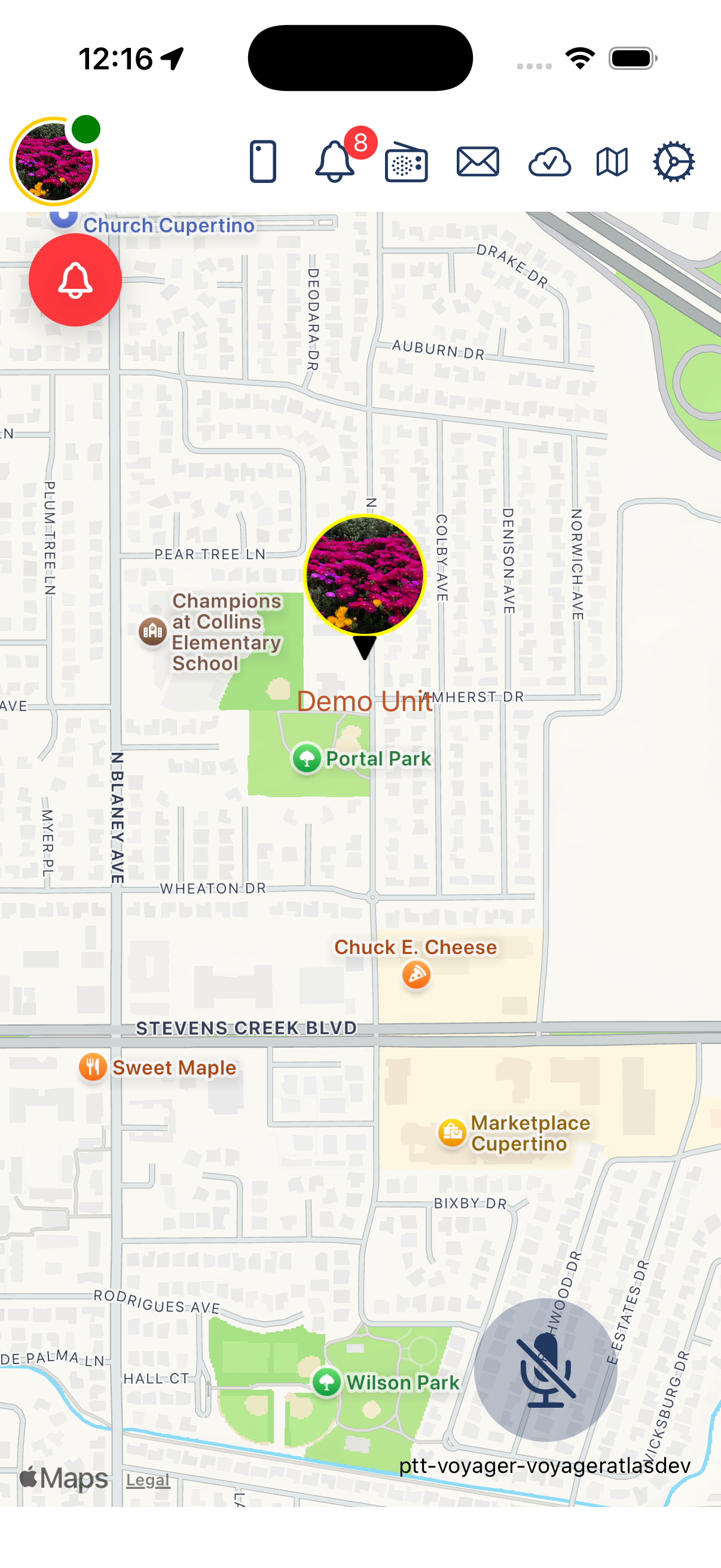
GovCIO COMMANDLINK