Android Sign-In and Registration
Use this page for the updated GovCIO COMMANDLINK account sign-in process. This flow replaces the previous Device ID-only registration with username, password, and required multi-factor authentication (MFA).
Before you begin
Have the following available:
Your GovCIO COMMANDLINK Mobile username and password
Your existing Device ID
An authenticator app, such as Microsoft Authenticator, Google Authenticator, or another compatible app
Set up GovCIO COMMANDLINK
Screens and prompts can vary by Android version and device model.
Install or update GovCIO COMMANDLINK from the Google Play Store, then open the app. The new account sign-in process will not appear until you install or update to the latest version of GovCIO COMMANDLINK. Open your device’s app store and install GovCIO COMMANDLINK or select Update if the app is already installed. After the installation or update is complete, open the app and continue with the steps below. If you still see only the previous Device ID registration process, return to your device’s app store and confirm that the latest version has finished installing.
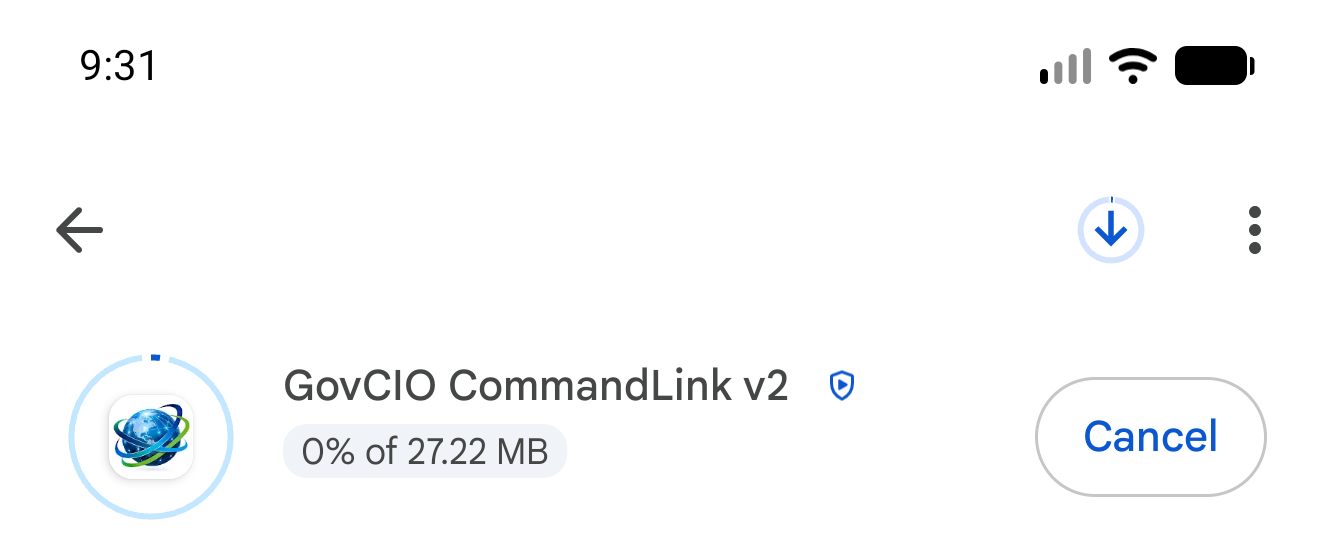
Google Play install or update in progress
Respond to permission requests.
GovCIO COMMANDLINK Mobile may request access to location, camera, motion or physical activity, microphone, and notifications.
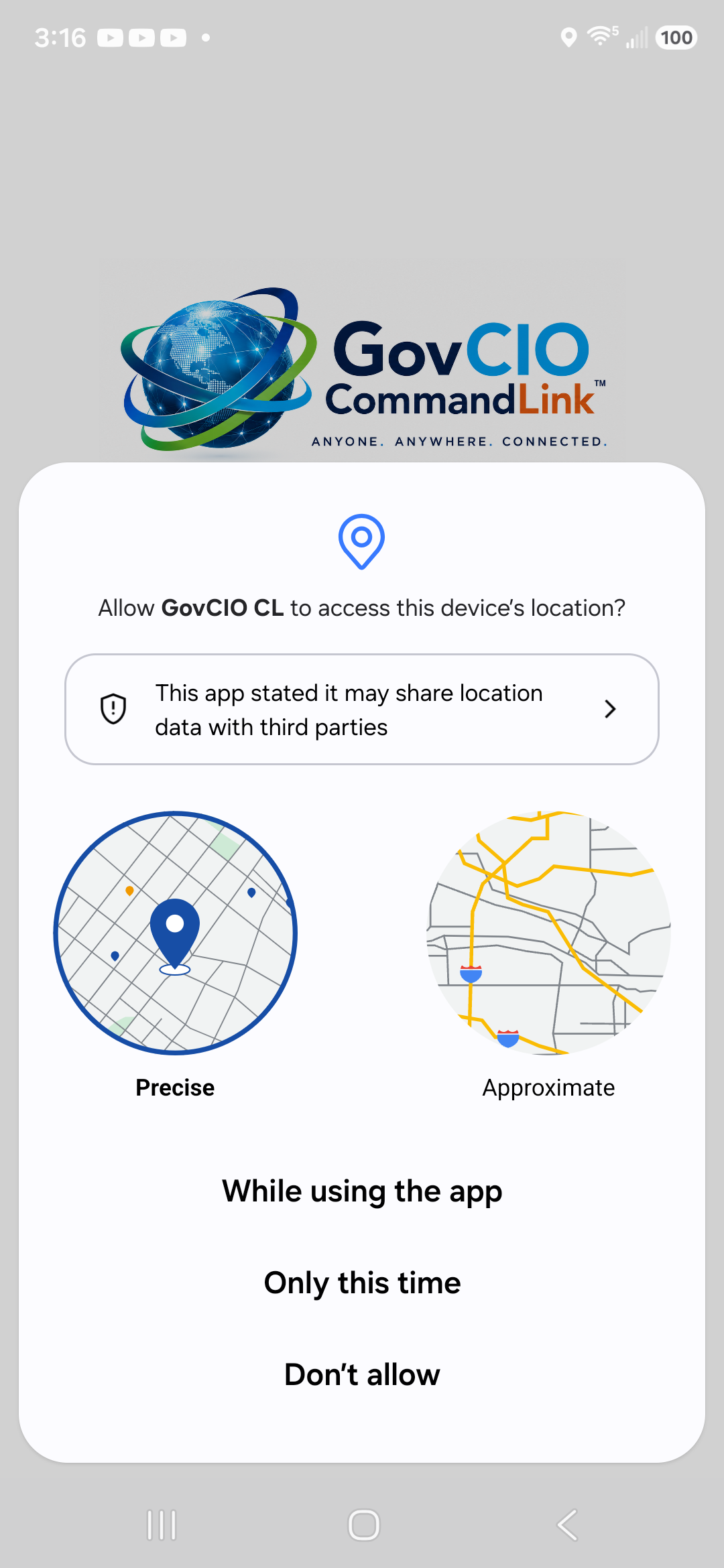
Android location permission prompt
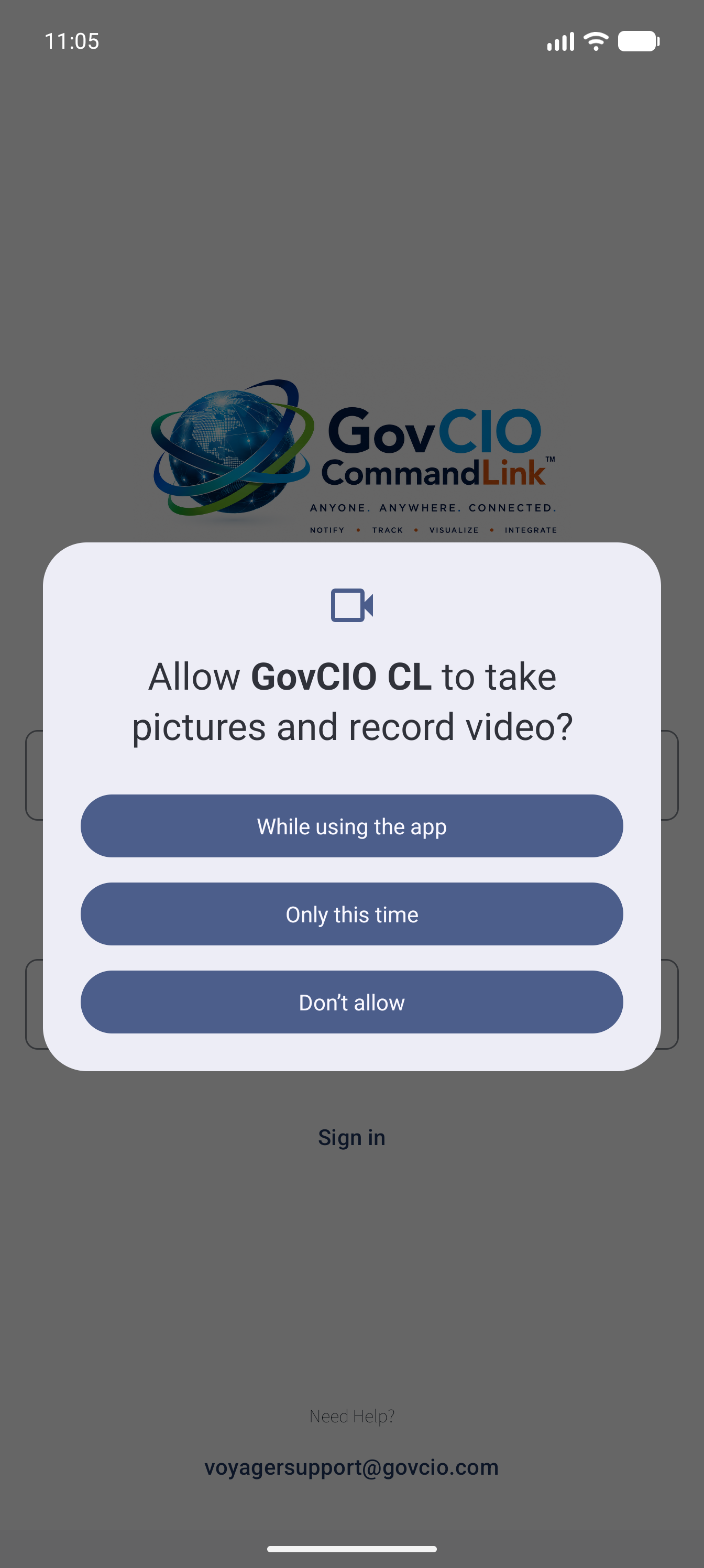
Android camera permission prompt
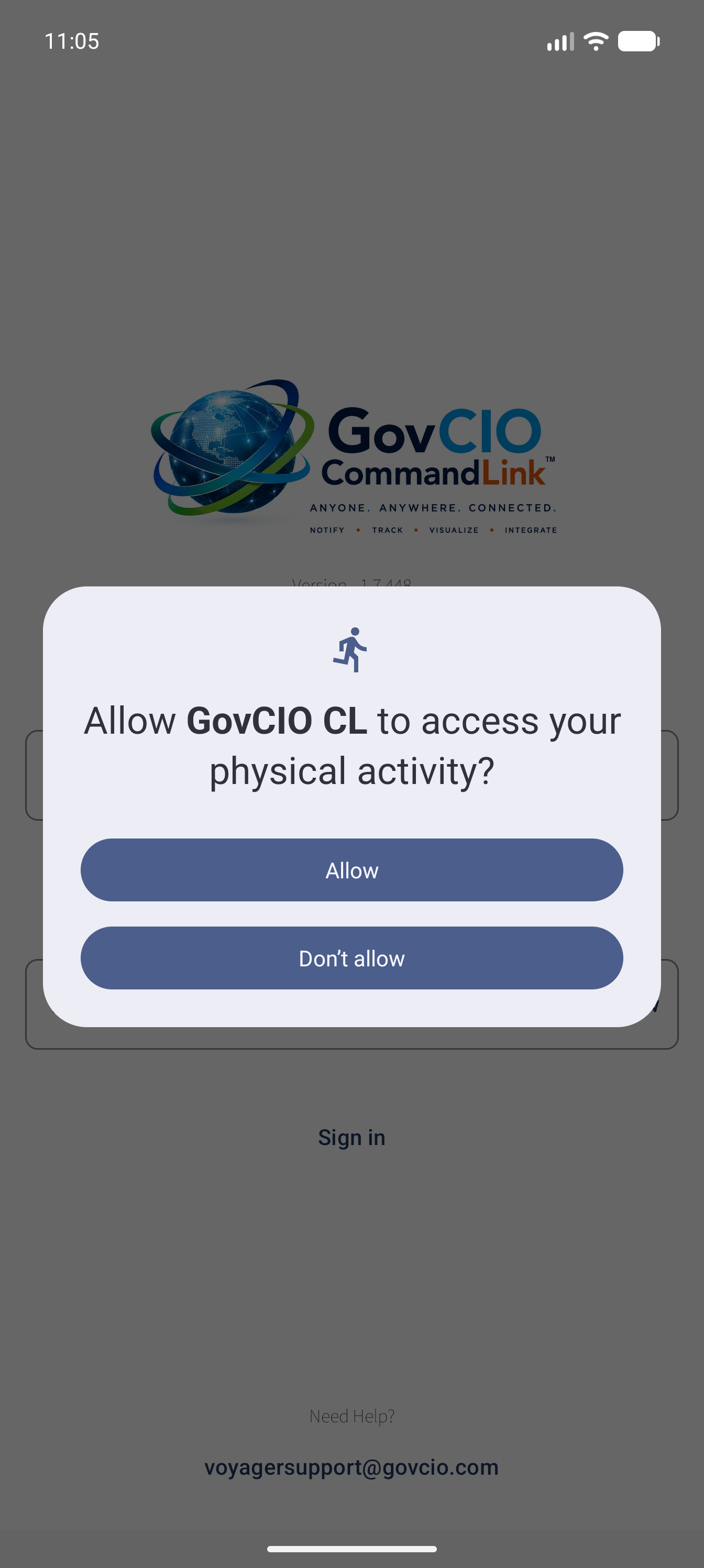
Android physical activity permission prompt
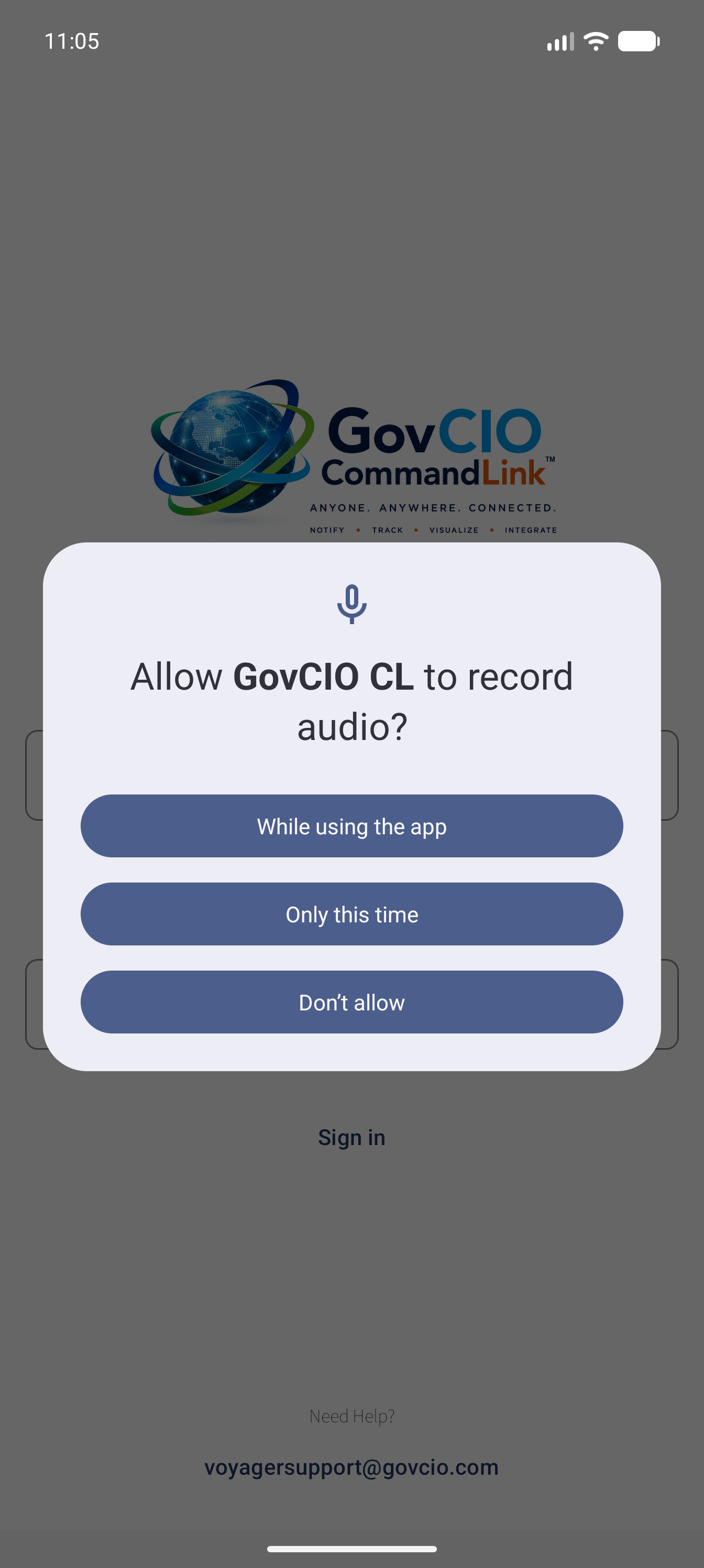
Android microphone permission prompt
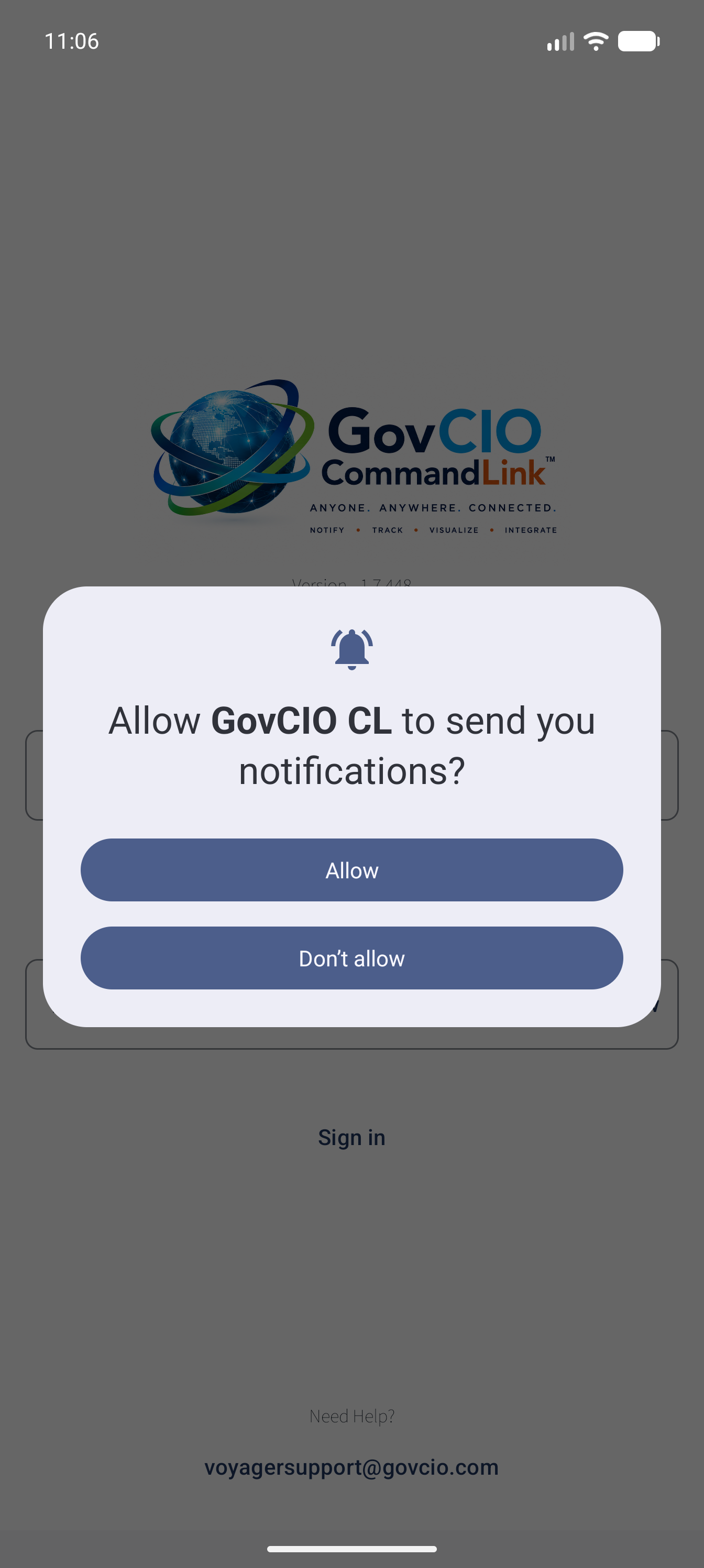
Android notifications permission prompt
Sign in.
Enter the username and password from your credentials email, then select Sign In.
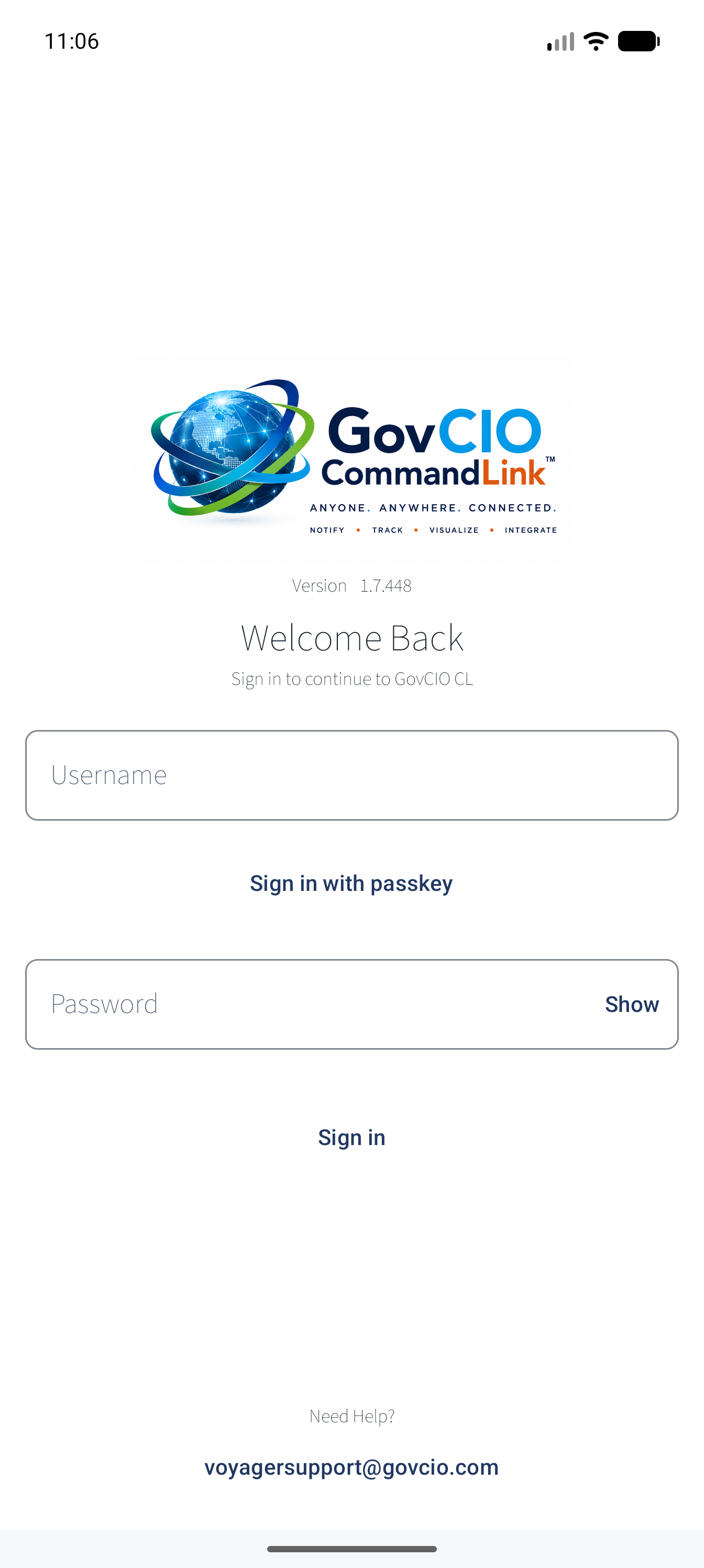
Welcome Back sign-in screen
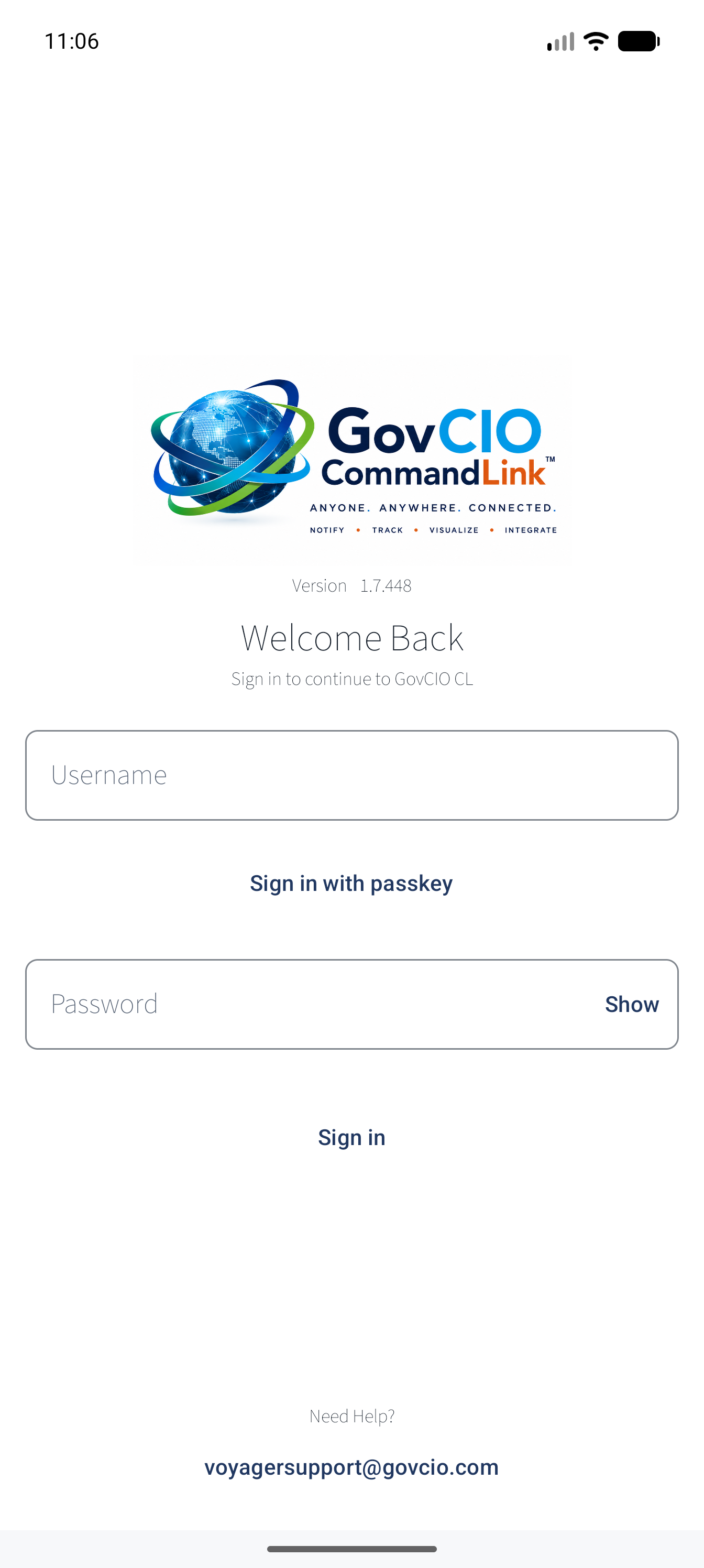
Sign-in with username and password entered
Set up multi-factor authentication.
Open your authenticator app and add a new account.
Scan the QR code displayed by GovCIO COMMANDLINK.
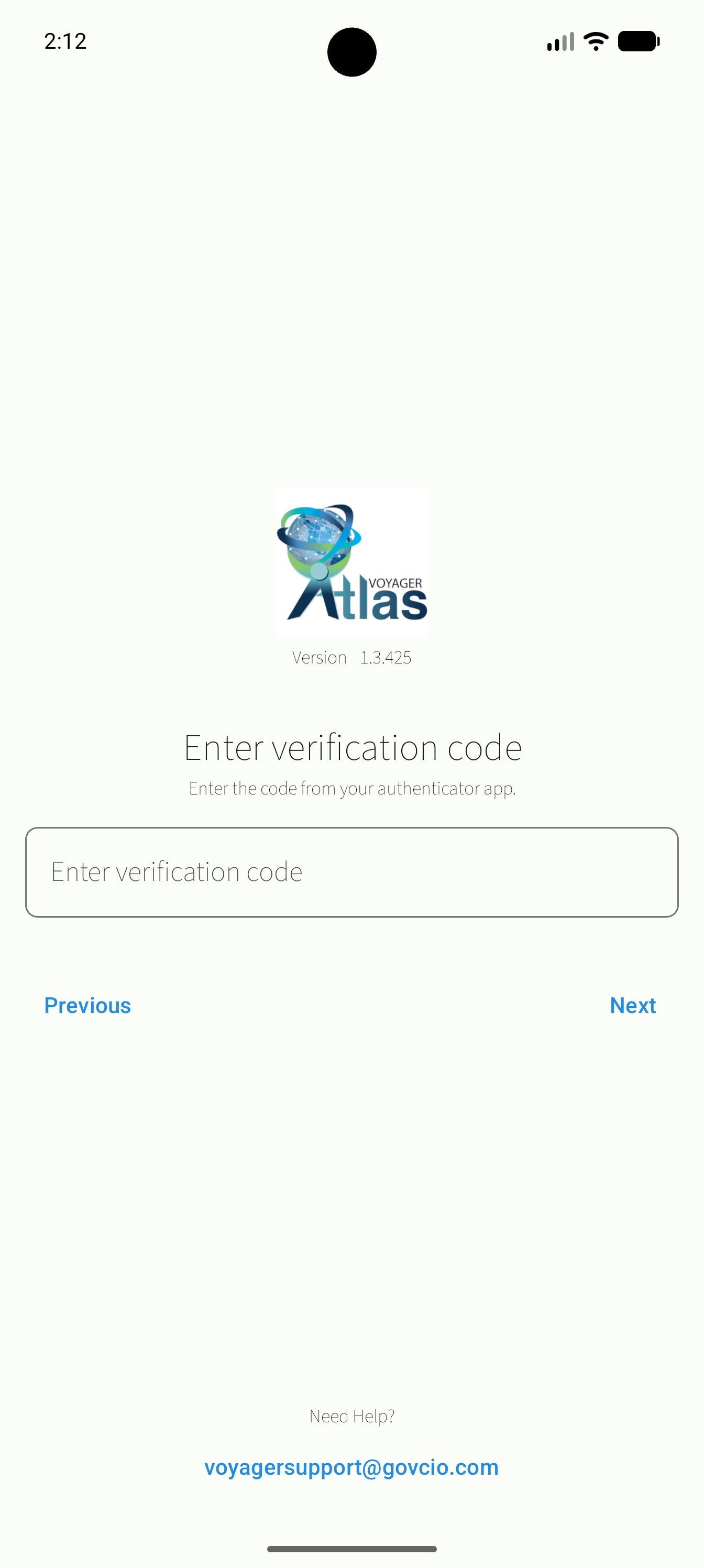
MFA setup screen with QR code and manual setup key
If you are setting up the authenticator on the same phone, enter the manual setup key instead.
Return to GovCIO COMMANDLINK and select Next.
Enter the six-digit verification code from your authenticator app.
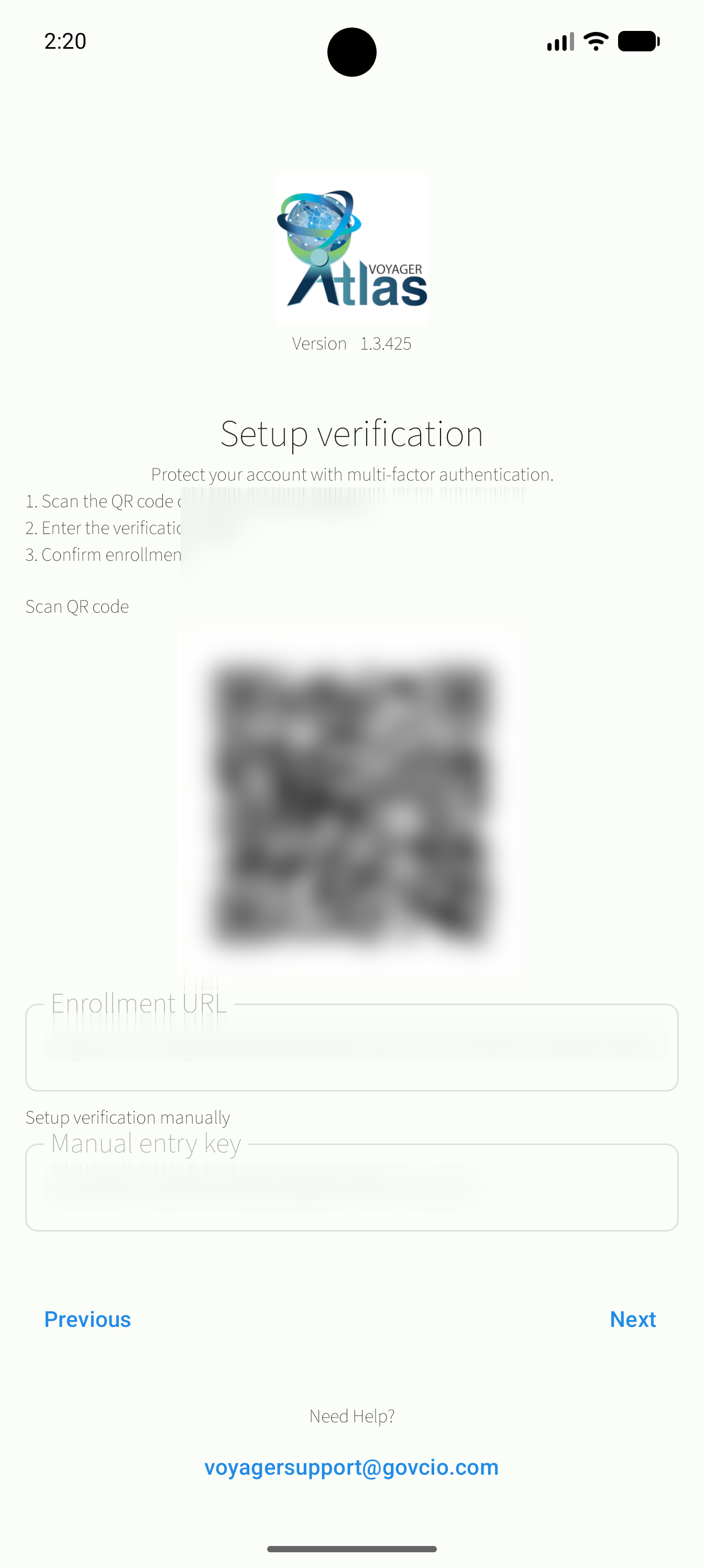
MFA verification code entry screen
Confirm the verification code, then select Next.
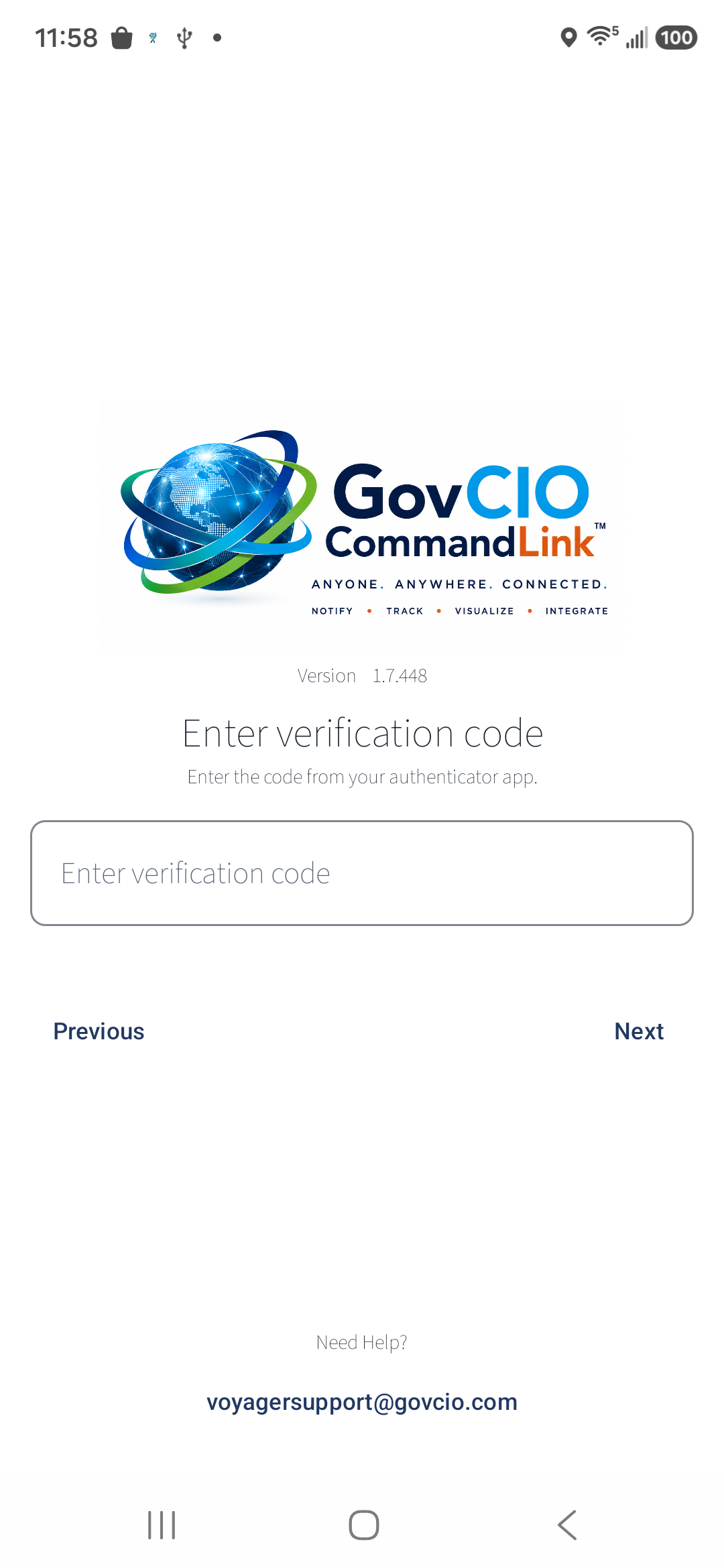
Entered MFA code before selecting Next
Warning
Never share or send anyone a screenshot of your QR code, enrollment URL, manual setup key, or verification code.
Choose whether to create a passkey.
Passkey setup is optional. A passkey allows sign-in using face recognition, fingerprint, PIN, or screen lock instead of entering a password.
To create a passkey, leave Enable Passkey turned on, select Next, and follow device prompts.
To skip passkey setup, turn Enable Passkey off and select Next.
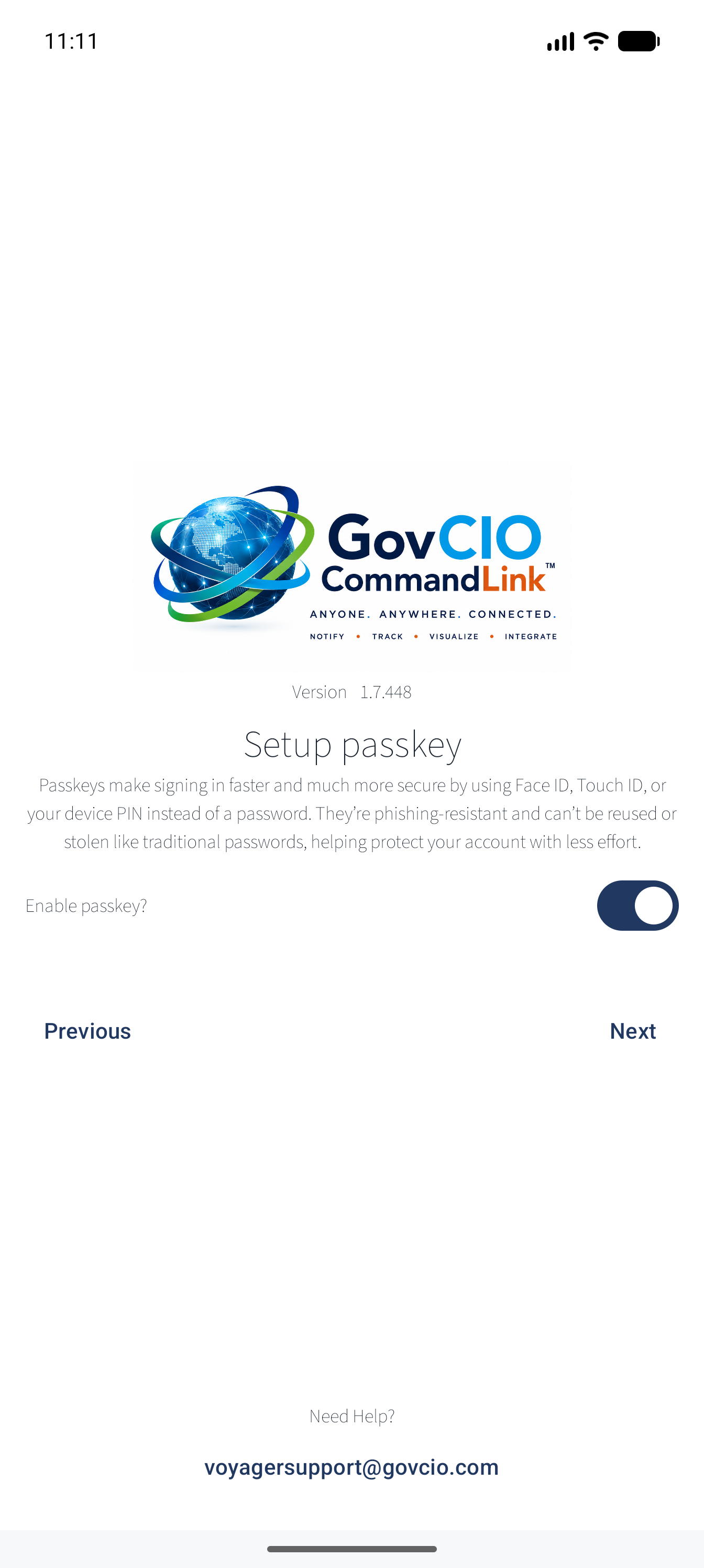
Setup Passkey option screen
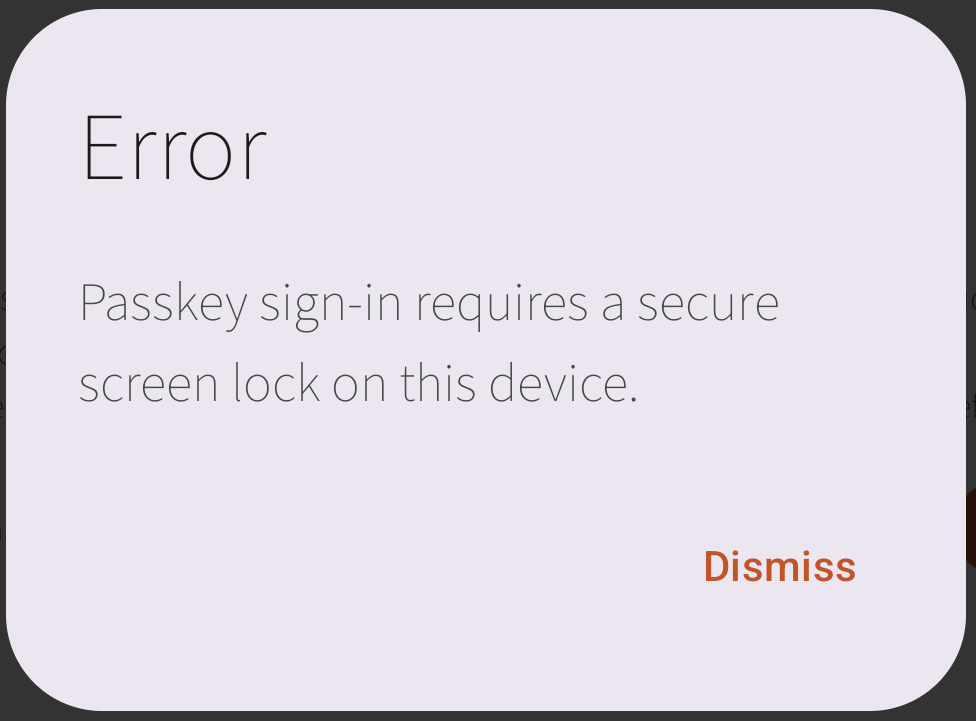
Passkey secure screen lock requirement warning
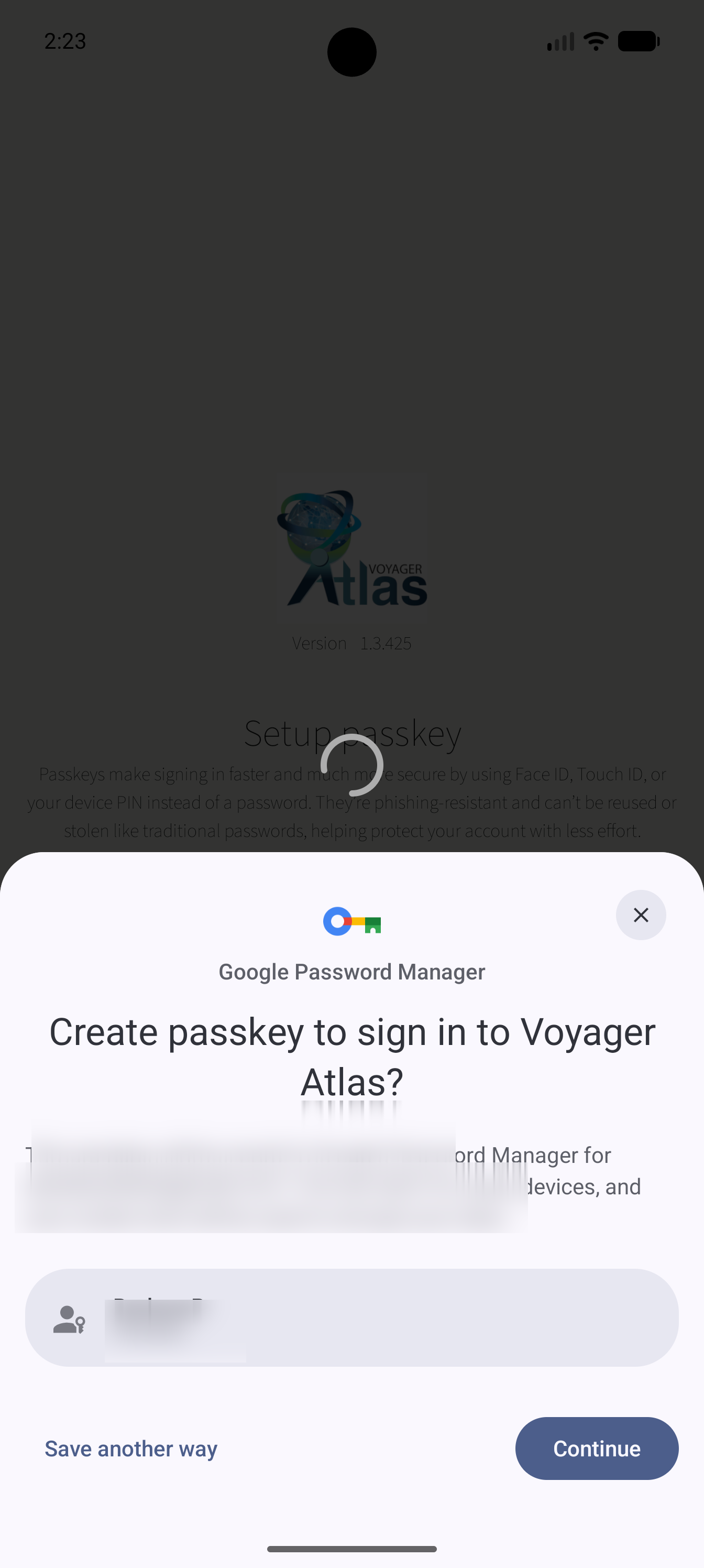
Google Password Manager passkey creation prompt
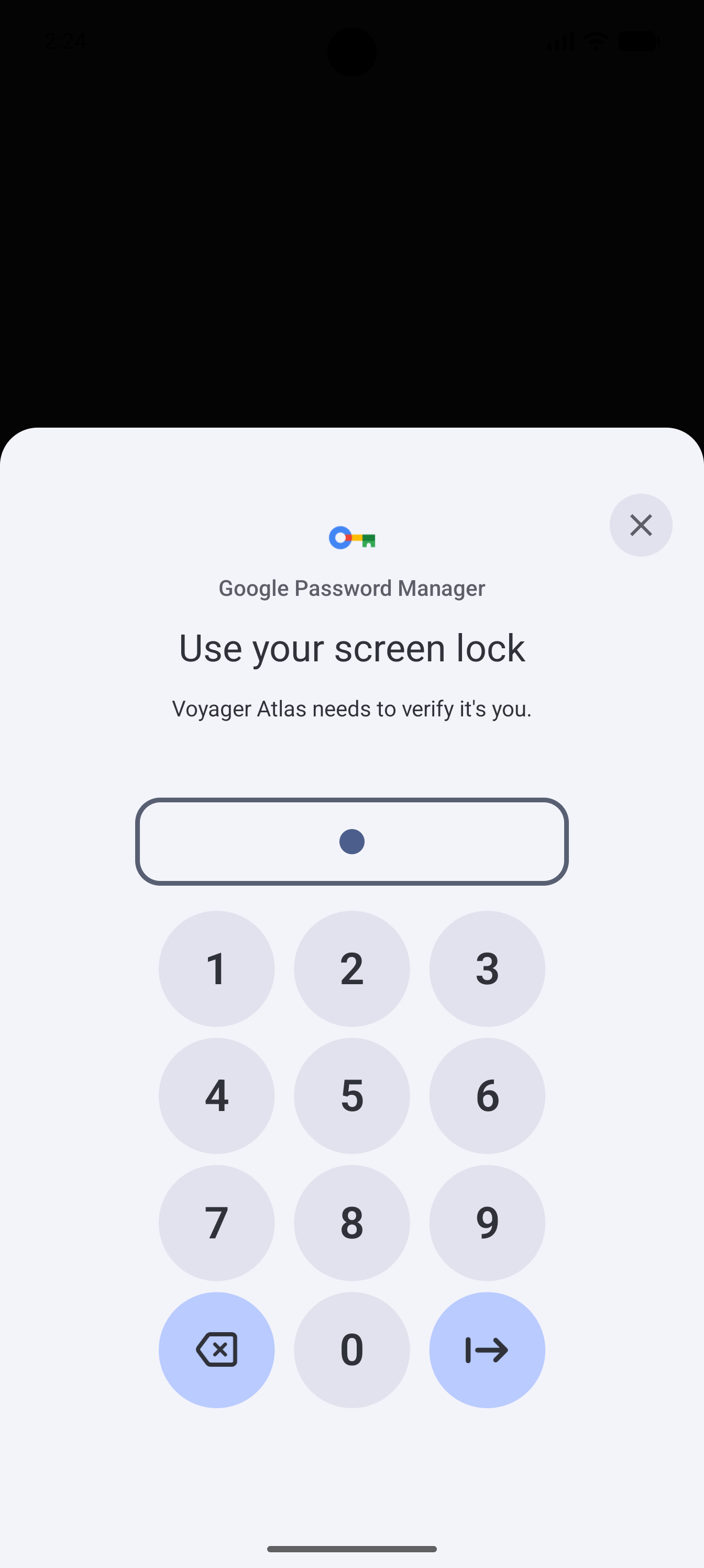
Verify device screen lock to save passkey
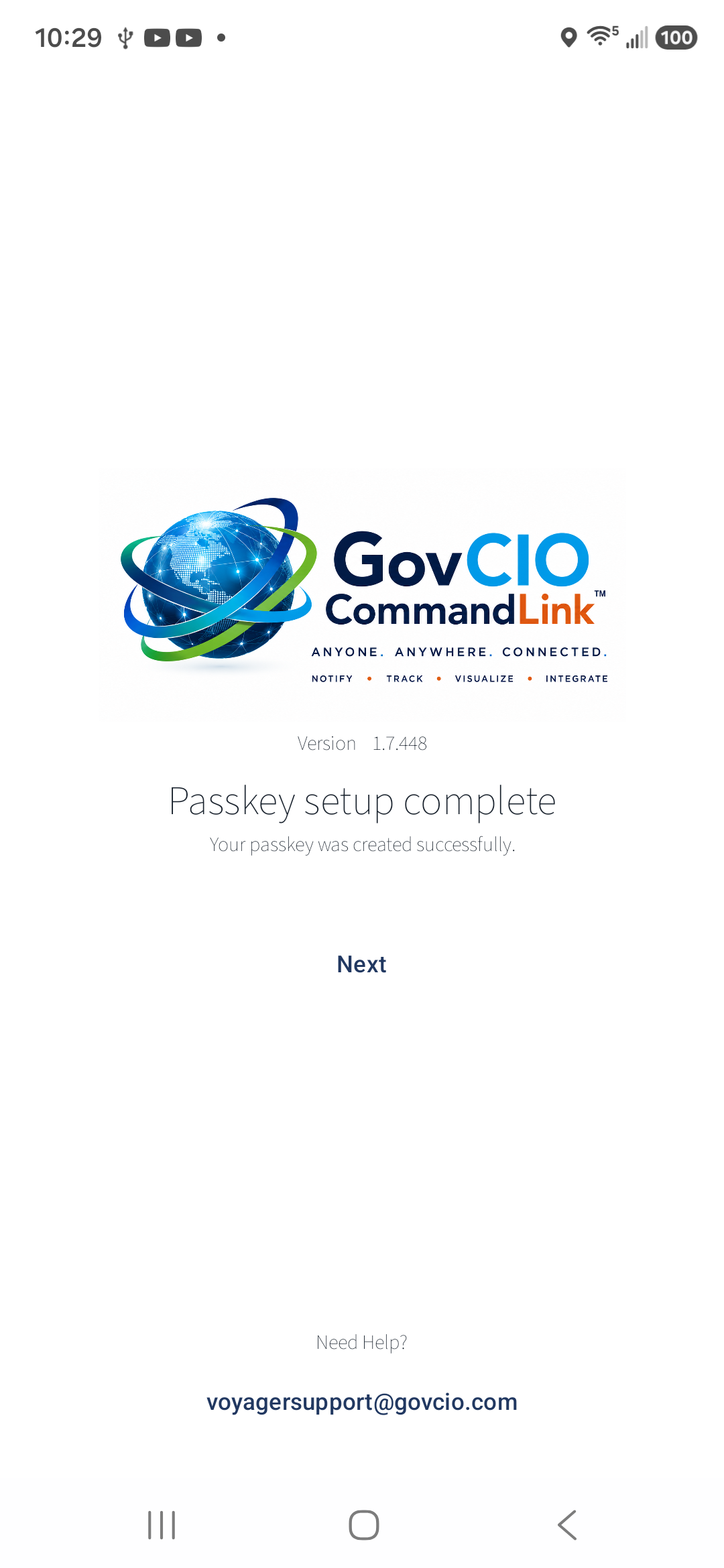
Passkey setup complete confirmation
Register your device.
Enter your existing Device ID and select Register Device to complete setup.
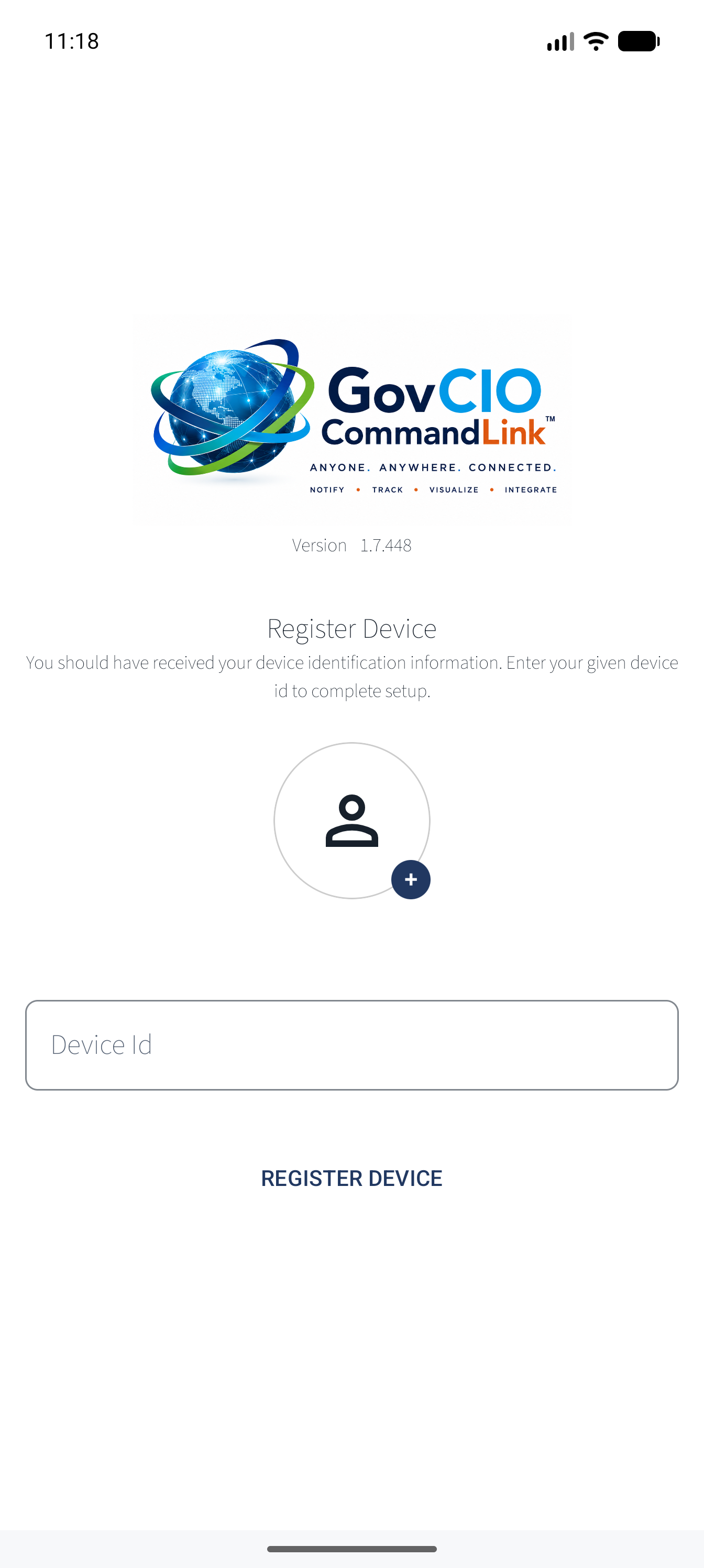
Register Device screen for existing Device ID
Passkey notes
Your passkey may be saved in Google Password Manager. Android requires a secure screen lock, such as a PIN, pattern, password, fingerprint, or face recognition. If your device does not have a secure screen lock, skip passkey setup or configure a screen lock before trying again.
Future sign-ins
If you created a passkey, select Sign In with Passkey on the GovCIO COMMANDLINK Mobile login screen. You may still use your username and password when needed.